


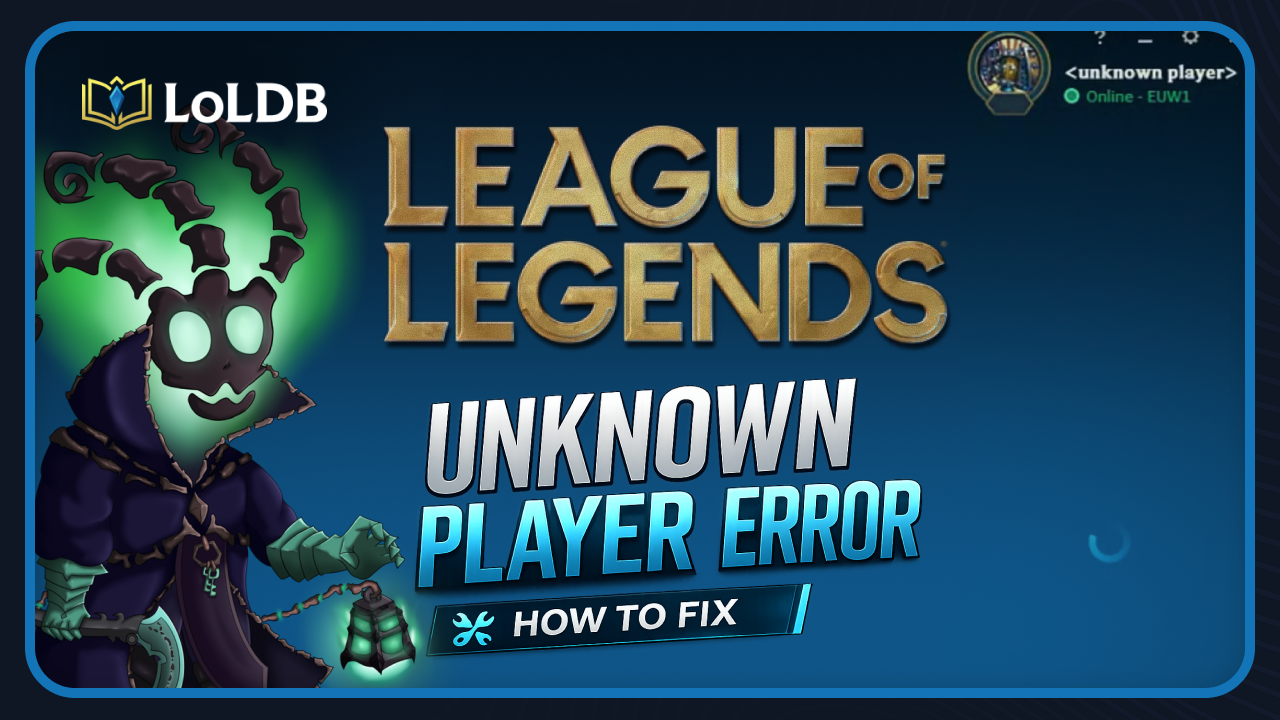
The Unknown Player error replaces your summoner name with a blank placeholder in the League of Legends client, preventing you from accessing your profile or showing your account information correctly. It sounds more serious than it is. In most cases, this is a display bug tied to your client or connection, not an actual account issue. The good news is that it is almost always fixable without contacting Riot Support. In this article, we'll go through every reliable fix in order from quickest to most thorough.
What Causes the Unknown Player Error?
The error appears when the client fails to load your account data from Riot's servers. When this happens, the client cannot retrieve your Riot ID, rank, or profile details, so it just displays a blank placeholder instead. This can happen for a few different reasons. Sometimes it is a temporary server issue on Riot's end, sometimes it is a local connection problem, and in other cases, it comes down to corrupted game files or an outdated client. Identifying the cause helps you pick the right fix faster.
A temporary server outage on Riot's end
An unstable internet connection
Corrupted or outdated client files
A DNS configuration issue
An account restriction or ban
Also Read: How to Repair League of Legends (2026)
Ways to Fix the Error
W1 Check Riot's Server Status
Before doing anything locally, check whether Riot's servers are down in your region. If an outage is listed, the error will resolve itself once service is restored; no local fix will help until then.
W2 Restart the Riot Client
The simplest fix and the one that works most often. Close the Riot Client completely, including the system tray, and relaunch it. A fresh connection to Riot's servers resolves the error in many cases.
W3 Check Your Internet Connection
An unstable connection is one of the most common triggers. Run a speed test, and if your connection is dropping, try the following:
Switch from Wi-Fi to a wired Ethernet connection
Restart your router and modem
Close bandwidth-heavy background applications
Disable your VPN if one is active
W4 Flush Your DNS
DNS issues can prevent the client from communicating with Riot's servers. Flushing your DNS clears outdated entries and forces a fresh connection.
Press Windows + R, type cmd, and press Enter
Type ipconfig /flushdns and press Enter
Restart your PC and relaunch the Riot Client
W5 Use the Built-in Repair Tool
If the error persists, corrupted client files may be the cause. Riot's built in repair tool scans and fixes corrupted or missing files without affecting your settings or progress.
Open the Riot Client and log in
Click the profile icon in the top-right corner
Select Settings, then click on League of Legends
Click the Repair button at the bottom
Restart the client once done
W6 Clear the Client Cache
Cached files can pile up over time and cause profile loading failures. Clearing the cache forces the client to rebuild it cleanly.
Fully close the Riot Client and League of Legends
Open File Explorer and navigate to your League of Legends installation folder
Open the Saved folder, then the webcache folder
Delete the Cache and Code Cache folders
Restart your PC and relaunch the game
W7 Reinstall League of Legends
If nothing else works, a clean reinstall removes all corrupted files and gives you a fresh start.
Close the Riot Client completely
Open Windows Settings and go to Apps
Search for League of Legends, click it, and select - Uninstall
Once uninstalled, open the Riot Client and click - Install
Also Read: How to Fix Error Code 57 in League of Legends
Final Words
Work through the fixes to restart the client first, check your connection, flush your DNS, use the repair tool, clear the cache, and reinstall if needed. In the vast majority of cases, one of these steps will get you back into the game without needing to contact Riot Support.
Want to explore more? LoLDB has everything League of Legends. Browse champions, skins, mythic shop rotation, current sales, and much more!
Blue Essence Emporium 2026: Complete Guide
The Essence Emporium is a special in-game event in League of Legends that allows players to spend Blue Essence instead of Riot Points on exclusive cosmetic items....
How to Fix 'We Couldn't Install a Required Dependency' in League of Legends
League of Legends is one of the most popular MOBA competitive games globally, with millions of players engaging daily. However, since the introduction of Vanguard...