


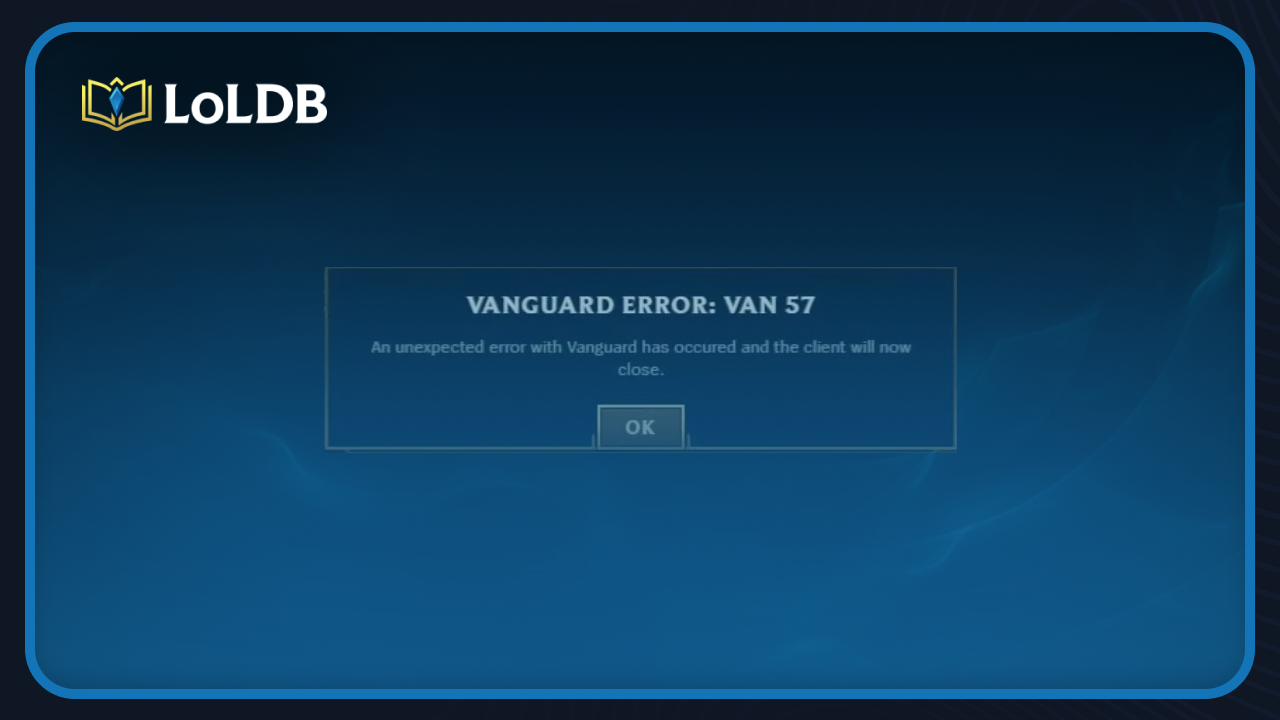
League of Legends uses Riot Vanguard as its anti-cheat system, and while it runs quietly in the background most of the time, it can occasionally cause issues that prevent the game from launching. Error VAN 57 is one of those issues, and it usually means Vanguard failed to start or isn't running the way it should on your system.
This can happen after a Windows update, a driver change, or even just a bad restart. The game won't open until Vanguard is working properly again, which makes it one of the more annoying errors to deal with when you're trying to get into a match. In this article, we'll walk you through the most reliable fixes for Error VAN 57 so you can get back into the game as quickly as possible.
Solution 1: Reinstall Riot Vanguard
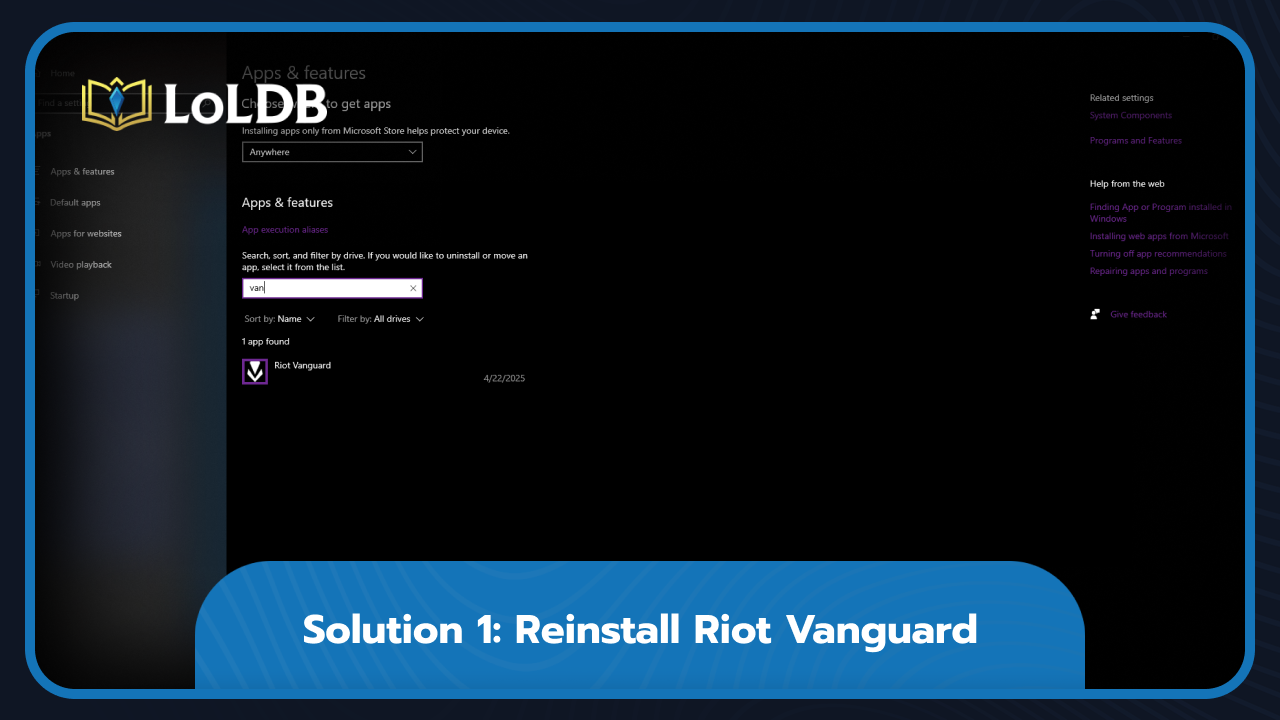
Reinstalling Vanguard is the most commonly recommended fix for Error VAN 57 and works for most players. Here's how to do it:
Open the Start menu and search for "Add or Remove Programs."
Find Riot Vanguard and uninstall it
Open the Riot Client, select League of Legends, and click "Download" when prompted to reinstall Vanguard
Once installed, restart your PC to get Vanguard running again
If you'd rather not reboot, press Windows + R, type services.msc, and hit Enter
Scroll down to the VGC service, right-click it, select Start, then launch League of Legends
Solution 2: Flush DNS and Clean Reinstall
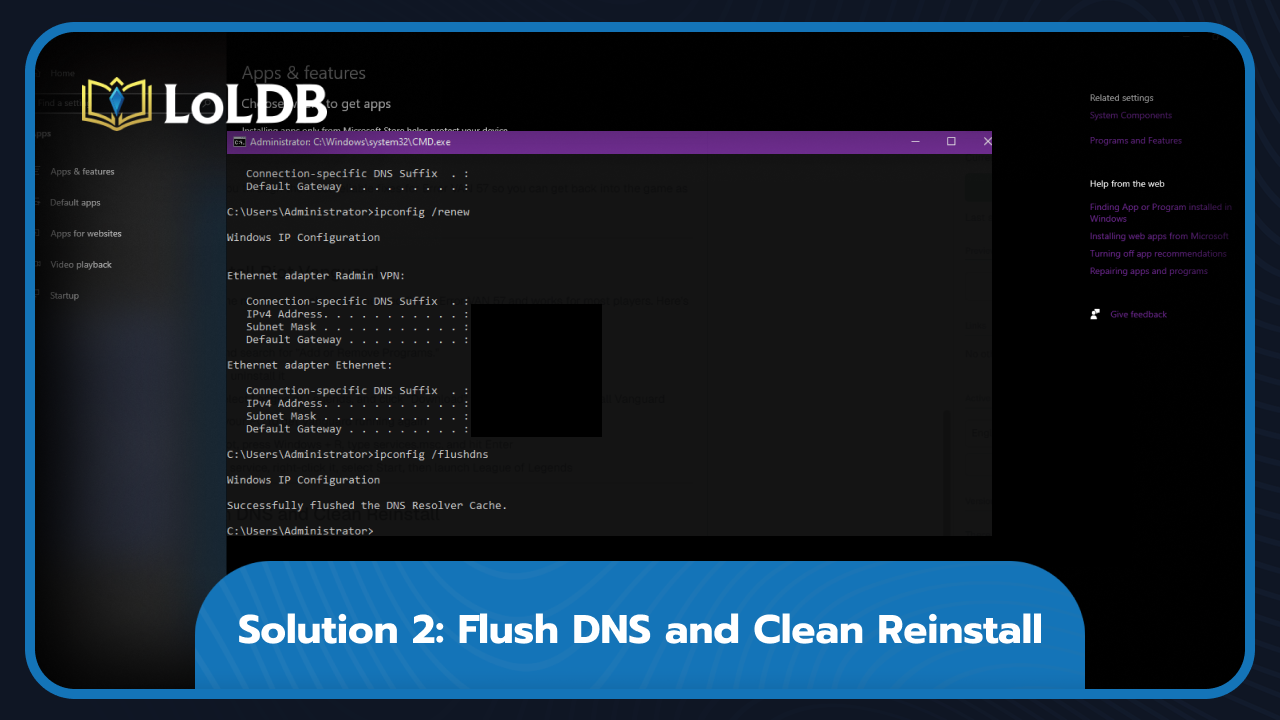
Start with a DNS flush, which is basically a reset of your connection's cache. Press Windows + R, type "CMD", and run these commands one by one:
Type ipconfig /release and wait a few seconds until you get a confirmation that the IP address has been released
Type ipconfig /renew and wait for a confirmation that the IP address has been re-established
Type ipconfig /flushdns
Check if the error is gone. If it's still there, complete the following steps for a clean reinstall of both Vanguard and League of Legends:
Uninstall Riot Vanguard following the steps from Solution 1
Go back to "Add or Remove Programs" and uninstall League of Legends the same way
Go to the folder where your Riot games are installed, the default path is C:\Riot Games, and delete the League of Legends and Riot Client folders
Either move them to the Recycle Bin and empty it, or delete them permanently using Shift + Delete
Restart your PC
Download the game installer again and run it
Final Words
Error VAN 57 is almost always a Vanguard issue, and in most cases, Solution 1 is all you need. If reinstalling Vanguard doesn't do it, the clean reinstall in Solution 2 should take care of it. If neither works, reaching out to Riot Support is your best next step.
Want to explore more? LoLDB has everything League of Legends. Browse champions, skins, mythic shop rotation, current sales, and much more!

How to Get Proximity Chat in League of Legends
Proximity chat is a beloved feature in many online games, whether it's built natively into the game or added by the community through mods, which is exactly the...

League of Legends: The Sanctum and Ancient Sparks Explained
The Sanctum is Riot Games' latest monetization approach through an exclusive loot-box system in League of Legends. This gacha-style mechanic allows players to...