


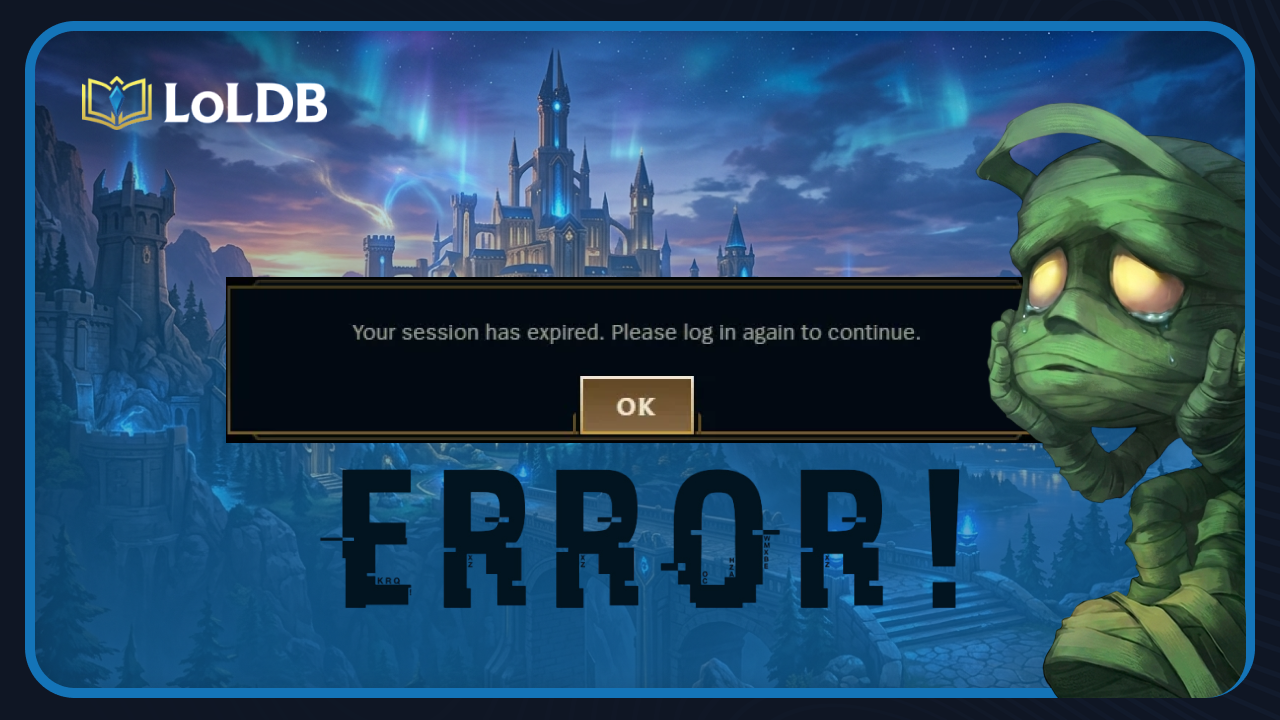
The "Session Expired" error is one of the more frustrating login issues players run into, as it prevents you from accessing your account entirely and usually shows up at the worst possible time, right before a ranked game or during a clash tournament.
In this article, we'll go through the most effective fixes for the "Session Expired" error in League of Legends, so you can get back into the game as quickly as possible.
How to Fix the "Session Expired" Error in League

The "Session Expired" error is usually tied to a network issue, either on your end or Riot's servers. Before jumping to anything drastic, work through these fixes one by one.
Restart Your Router and PC
The simplest fix and the one that works most often. Power off your router for a couple of minutes, restart your PC, then relaunch the client and try logging in again.
Disable PC Sleep Mode
If your PC goes to sleep while you're in the client, it triggers the session expiration. Turn off automatic sleep from your power settings and keep the PC active while playing.
Stop Background Downloads
Any active downloads running in the background can interfere with your connection to Riot's servers. Pause everything and try again.
Switch Your DNS to Google DNS
If your ISP's default DNS is seeing heavy traffic, it can cause this error repeatedly. Switching to Google DNS (8.8.8.8 / 8.8.4.4) has worked for a lot of players.
Repair Your Game Files
Open the Riot Client and go to Settings.
Select League of Legends.
Click "Repair."
Wait for the client to verify and fix any corrupted files.
Restart the client and log in.
Reinstall League of Legends
If none of the above works, a clean reinstall is your best shot. Uninstall the game through Control Panel, download the latest installer from the official site, and reinstall from scratch.
Contact Riot Support
If you've tried everything and the error is still showing up, submit a ticket to Riot Support. They can look into your account specifically and figure out if something else is going on.
Also Read: How to Repair League of Legends
What Causes the "Session Expired" Error in League

The "Session Expired" error comes down to a few different reasons, and knowing what's behind it can help you avoid it in the future.
The most common cause is simply idling for too long in the client. Riot Games has an anti-AFK system in place to reduce the load on their servers, so if you leave the client sitting open without any activity for an extended period, it will automatically kick you out with this error.
Outside of that, network issues are the next biggest culprit. A weak or unstable connection can make Riot's servers think you've gone idle even when you're actively playing, which is when the error becomes genuinely frustrating. This includes slow DNS servers from your ISP, background downloads eating up your bandwidth, or your PC going to sleep mid-session and dropping the connection entirely.
In some cases, corrupted game files can also trigger the error, as a faulty update or broken client file can interfere with how the game communicates with Riot's servers. On rarer occasions, the issue isn't on your end at all, and Riot's servers are simply experiencing problems, in which case there's nothing you can do but wait it out.
Final Words
The "Session Expired" error is usually straightforward to fix, and in most cases, restarting your router or disabling sleep mode is all it takes. If the basic fixes don't work, repairing or reinstalling the game will handle it the majority of the time. The only situation where you're out of options is when the problem is on Riot's end, and in that case, waiting it out or submitting a support ticket is the way to go.
Want to explore more? LoLDB has everything League of Legends. Browse champions, skins, mythic shop rotation, current sales, and much more!
How to Fix 'We Couldn't Install a Required Dependency' in League of Legends
League of Legends is one of the most popular MOBA competitive games globally, with millions of players engaging daily. However, since the introduction of Vanguard...
How to Fix Error Code 57 in League of Legends (2026)
League of Legends uses Riot Vanguard as its anti-cheat system, and while it runs quietly in the background most of the time, it can occasionally cause issues that...