


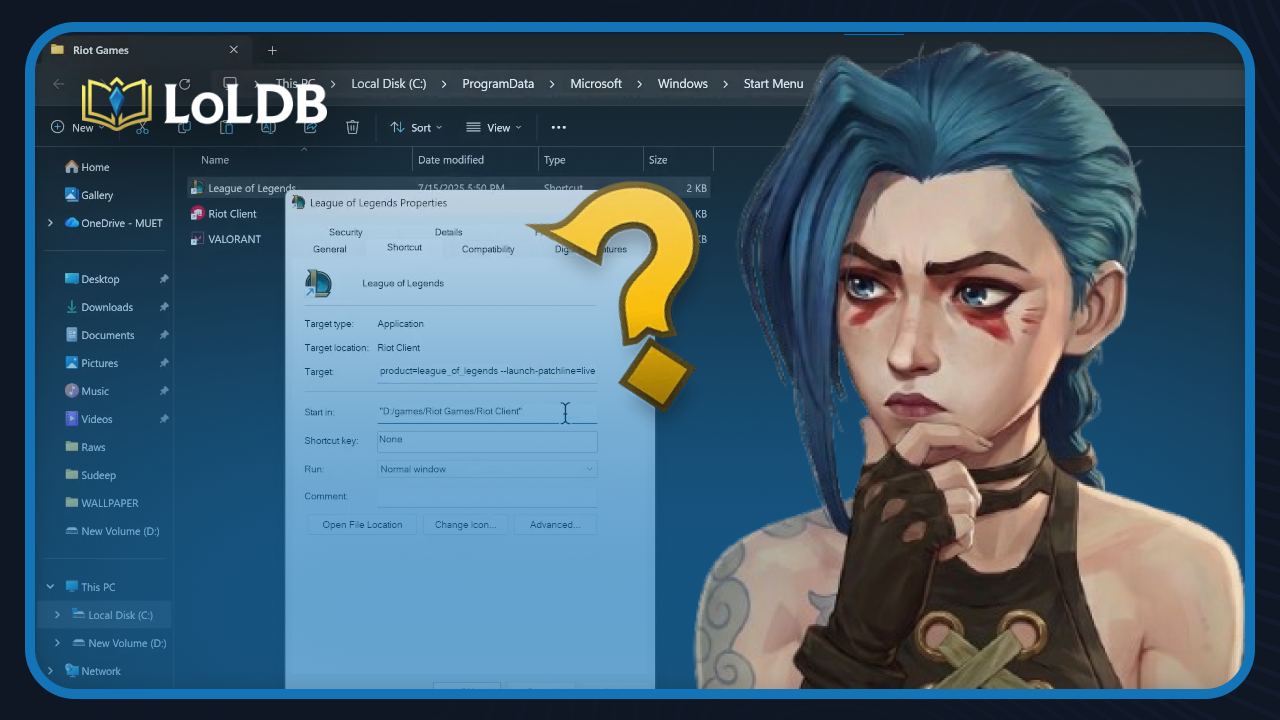
League of Legends takes up anywhere between 25 and 40 GB of storage, and that number grows with every major patch and update. For players running the game on a primary drive that also handles the operating system and other software, that space adds up fast.
A full or nearly full drive doesn't just cause slow load times. It can also lead to patch failures, stutters mid-game, and general system slowdowns that affect more than just League. Many players reach a point where moving the game to a secondary drive, or a newer and faster SSD, becomes the obvious next step.
The good news is that moving League of Legends is straightforward, and you don't have to reinstall everything from scratch to do it. In this article, we'll explore the various methods for transferring League of Legends to another drive, how each one works, and which approach best suits your situation.
How to Move LoL to Another Drive
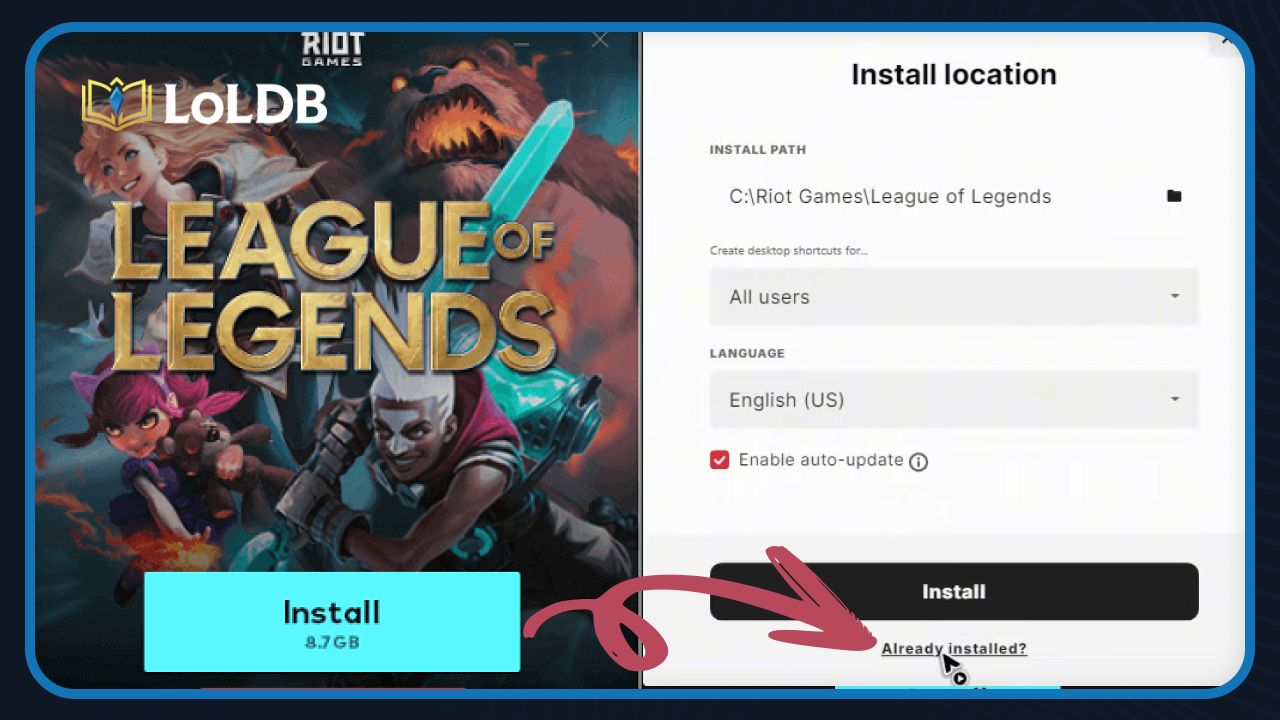
Moving League of Legends to another drive is straightforward and only takes a few steps. Here's how to do it:
Open File Explorer and navigate to the folder where League of Legends is installed. By default, this is usually located at C:\Riot Games.
Cut the entire Riot Games folder and paste it into the drive you want to move it to. Depending on your drive speeds, this may take a few minutes.
Once the transfer is complete, open the destination folder and locate the Riot Client executable. Run it, and the client will launch normally, detecting the game files in the new location automatically. If it doesn't, click on "Already Installed" and manually select the folder where you moved the game.
What You Need Before Moving LoL?

Before getting started, make sure the destination drive has enough free space. League of Legends currently takes up around 35 GB, so you'll want at least that much available on the drive you're moving it to.
Other than that, no extra tools or software are required. The whole process is handled through Windows built-in options, so you're good to go as long as you have enough storage space on the new drive.
Also Read: League of Legends System Requirements
How Long Does It Take to Move LoL?

The time it takes depends entirely on your drives. If you're moving from one SSD to another SSD, the process usually wraps up in a few minutes. Moving from or to an HDD will take longer, anywhere from 10 to 30 minutes, depending on the drive's speed.
Also Read: How Big is League of Legends?
Final Words
Moving League of Legends to another drive is a simple process that doesn't require reinstalling anything or losing any of your data. As long as the destination drive has enough free space, the whole thing comes down to cutting and pasting a folder, which makes it one of the easier maintenance tasks you can do for your setup.
Want to explore more? LoLDB has everything League of Legends. Browse champions, skins, mythic shop rotation, current sales, and much more!

How to Full Screen in League of Legends
Playing in full screen can make a noticeable difference, giving you a cleaner view of the map and better overall performance. The problem is that the game doesn't...

All Arcane Skins in League of Legends: Release Dates and More
Arcane is a Netflix animated series set in the League of Legends universe. Riot Games released a line of skins tied to the show, redesigning several champions to...