


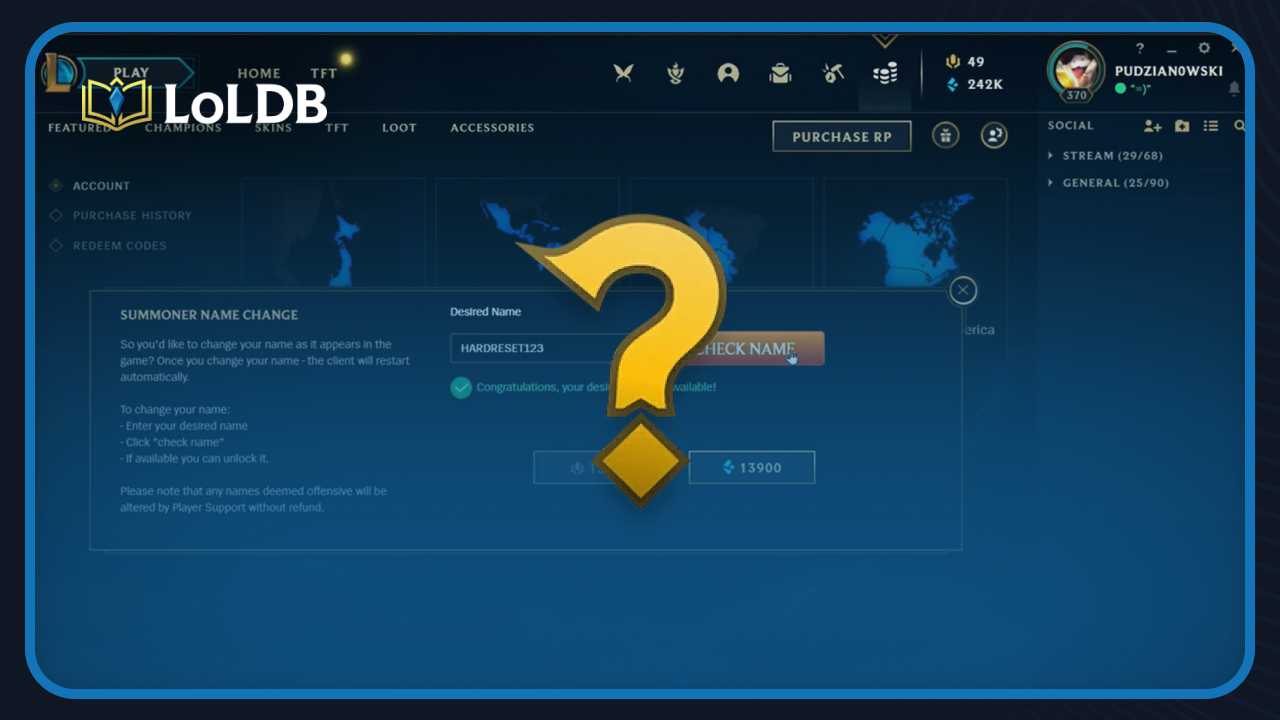
Your summoner name is how other players identify you in-game, and at some point, you might want to change it. For many players, the name they picked years ago no longer fits, and looking up how to change it today isn't as straightforward as it used to be. In this article, we'll walk you through how to change your name in League of Legends, how much it costs, and everything you need to know before making the switch.
How to Change Your Name in League

Changing your name in League of Legends is straightforward. Here's how to do it:
Open the League of Legends client and click on the Store icon.
Click the Account button in the top right corner of the store page.
You'll find the Riot ID Change option; click it.
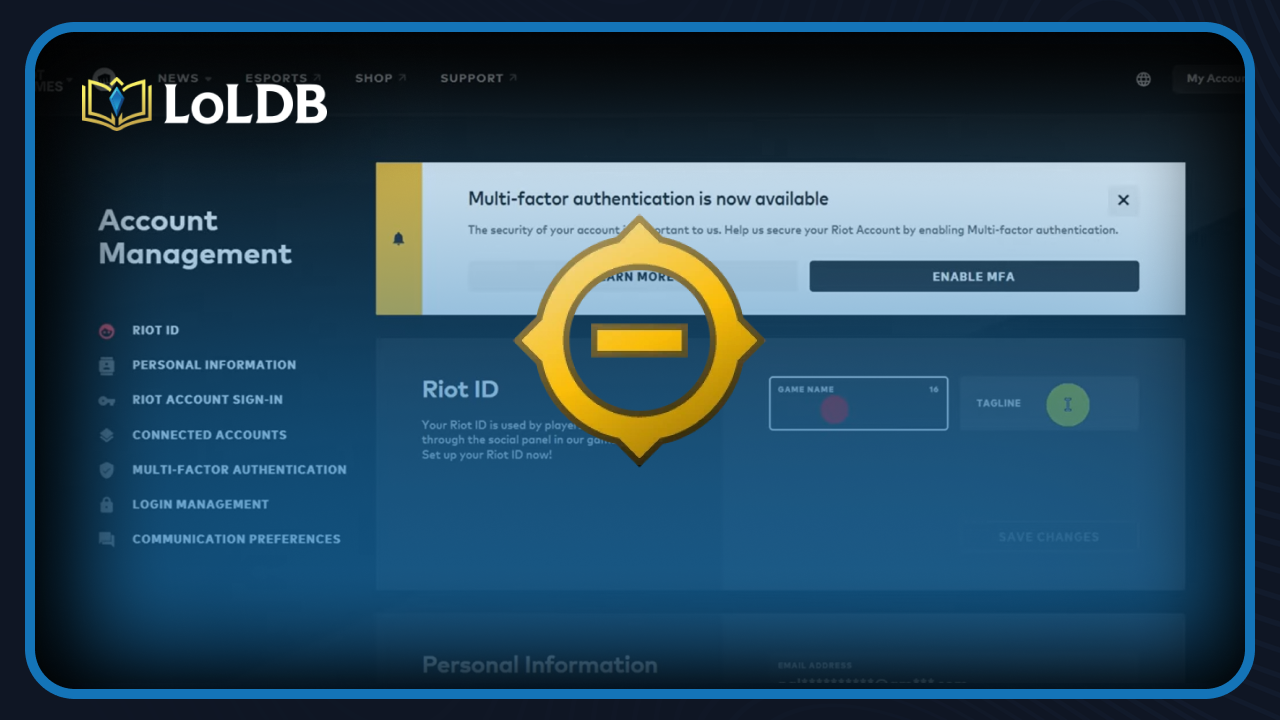
The client will redirect you to the Riot account management page in your browser.
Log in if needed, then click the edit icon next to your current Riot ID.
Type in your new Game Name and Tagline, then hit Save.
The change is instant and goes live across all Riot games right away. One thing to keep in mind, if you change your Tagline from a region code like NA1 or EUW to a custom one, you can never go back to using a region code. So make sure you're happy with what you pick before saving.
How Much Does a Name Change Cost?
Changing your name in League of Legends is completely free. Riot removed the old system, where you had to pay 1300 RP or 13,900 Blue Essence, which was around $11, and replaced it with a free change every 90 days.
The only limitation is the 90-day cooldown. Once you change your name, you'll have to wait 90 days before you can change it again, and there's no way to pay to skip that wait.
Also Read: How to Change Region in League of Legends
Things to Keep in Mind Before Changing Your Name
Your Riot ID is shared across all Riot games, so changing your name in League of Legends will also change it in Valorant, TFT, and any other Riot title you play.
If your current Tagline is a region code like NA1 or EUW, changing it to a custom one means you can never go back to that region code. It's a one-way change, so pick something you're comfortable sticking with.
Your rank, skins, champions, and match history are all untouched. A name change is purely cosmetic and doesn't affect anything on your account.
Also Read: How to Appear Offline in League of Legends
Frequently Asked Questions

Can You Change Your Name for Free?
Yes, changing your name in League of Legends is completely free. Riot removed the paid system back in 2023 and replaced it with a free change available to every player.
Can You Change Your Login Username?
No. Login usernames cannot be changed. Only your Riot ID (the display name other players see) can be updated. Your login credentials stay the same regardless of any name change.
Final Words
Changing your name in League of Legends is a straightforward process. It's free, takes less than a minute, and the change goes live instantly across all Riot games. Just keep the 90-day cooldown in mind and make sure you're happy with both your Game Name and Tagline before saving, especially since switching away from a region code Tagline is permanent.
Want to explore more? LoLDB has everything League of Legends. Browse champions, skins, mythic shop rotation, current sales, and much more!

How to Enable WASD Controls in League of Legends (2026)
League of Legends has relied on mouse clicks for movement, but Riot Games introduced an official WASD movement option, giving players a keyboard-based alternative...
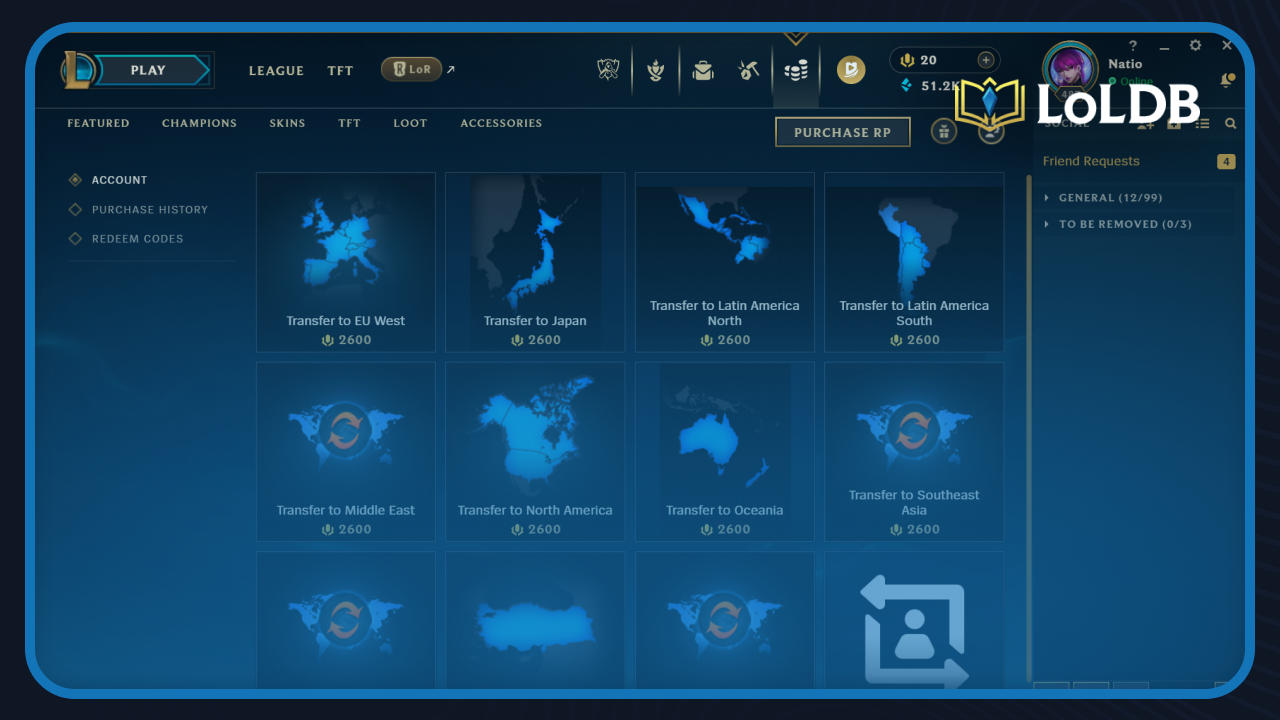
How to Change Region in League of Legends: Step-by-Step Guide
League of Legends is a MOBA game developed and published by Riot Games. When you first create an account in League of Legends, it's tied to a specific region or...