

How to Enable WASD Controls in League of Legends (2026)

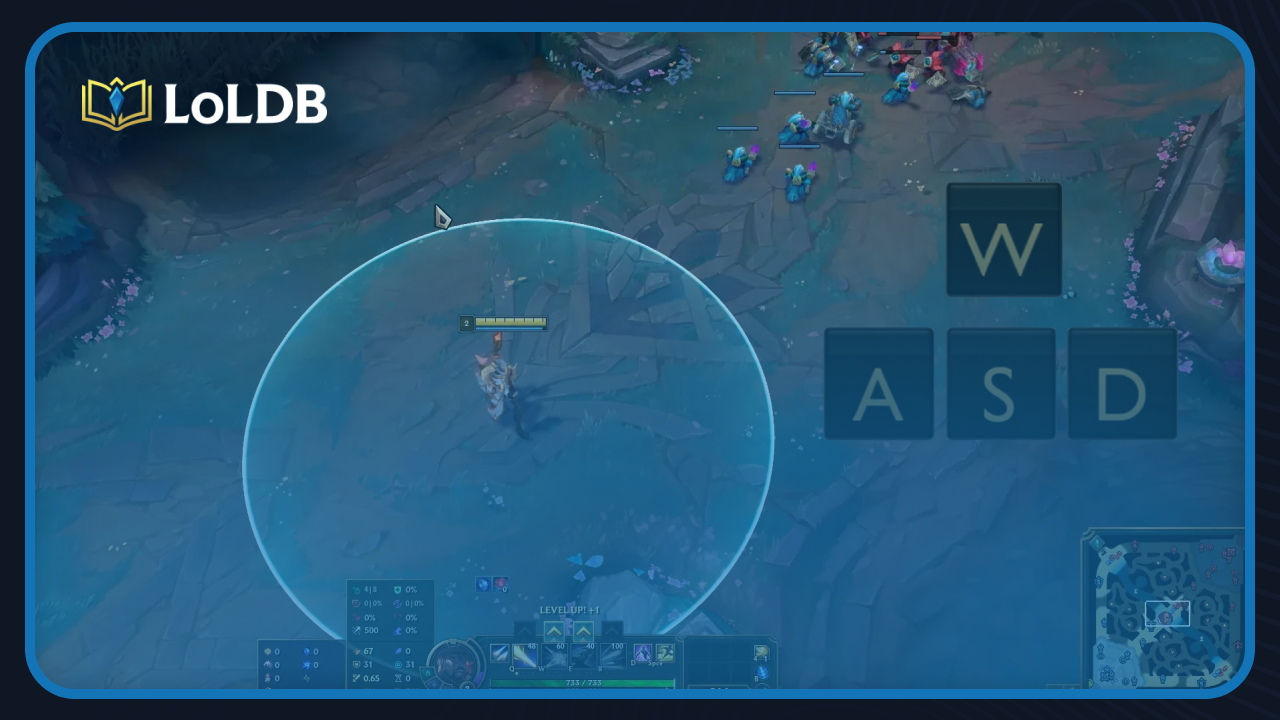
League of Legends has relied on mouse clicks for movement, but Riot Games introduced an official WASD movement option, giving players a keyboard-based alternative that feels closer to other game genres.
Not everyone knows this feature exists, and finding it buried in the settings can be confusing. In this article, we'll walk you through exactly how to enable WASD controls in League of Legends and get it configured the way you want.
How to Enable WASD Controls
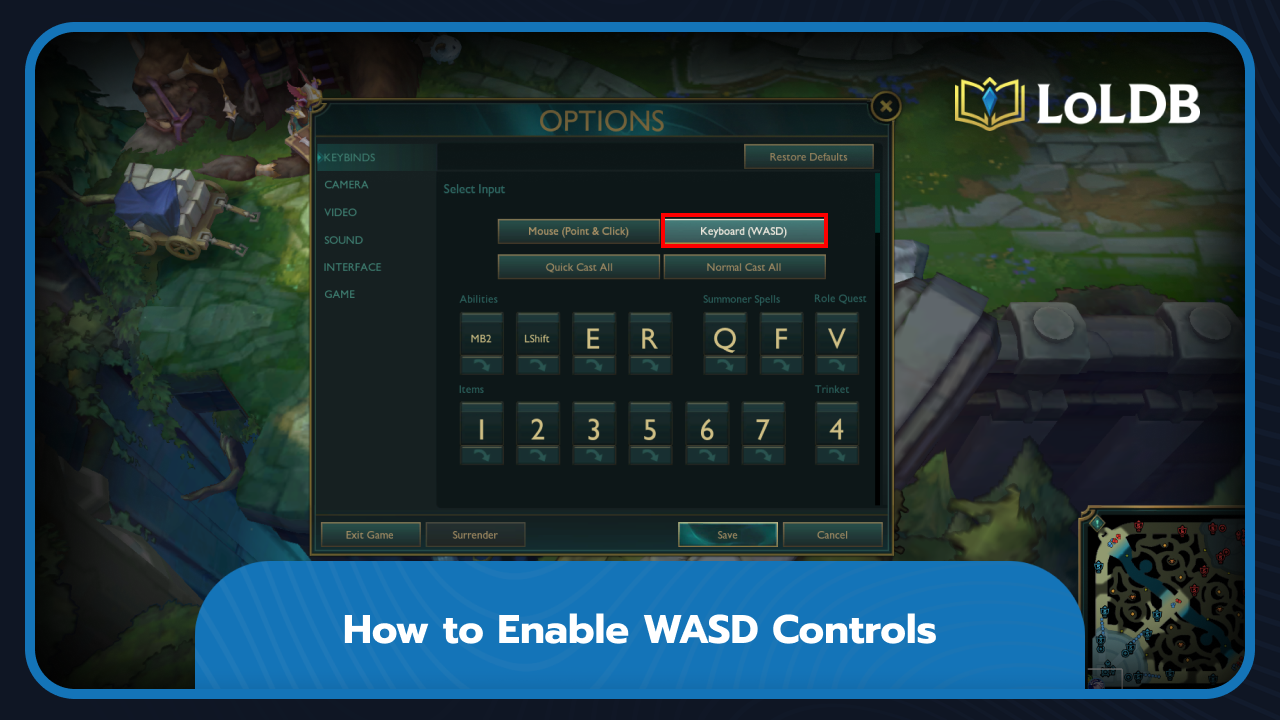
Riot added WASD movement as an official feature, so there's no need for third-party tools or workarounds, but it is not available in competitive matches yet. You can turn it on directly from the in-game settings. Keep in mind that once a match passes the 10-minute mark, you can no longer change your control settings until the game ends, so make sure you have everything set up the way you want before locking in.
Launch League of Legends and enter a game or practice tool.
Press Escape to open the settings menu.
Go to the "Keybinds" tab.
Find the "Keyboard (WASD)" in Select Input.
Enable the option and assign your preferred keys if you want to adjust the defaults.
Click "Save" to save your settings.
Once enabled, your character will move in the direction you press without needing to right-click the map. The camera will also follow your champion automatically, which is something to keep in mind if you're used to free camera control.
Why WASD Controls Matter
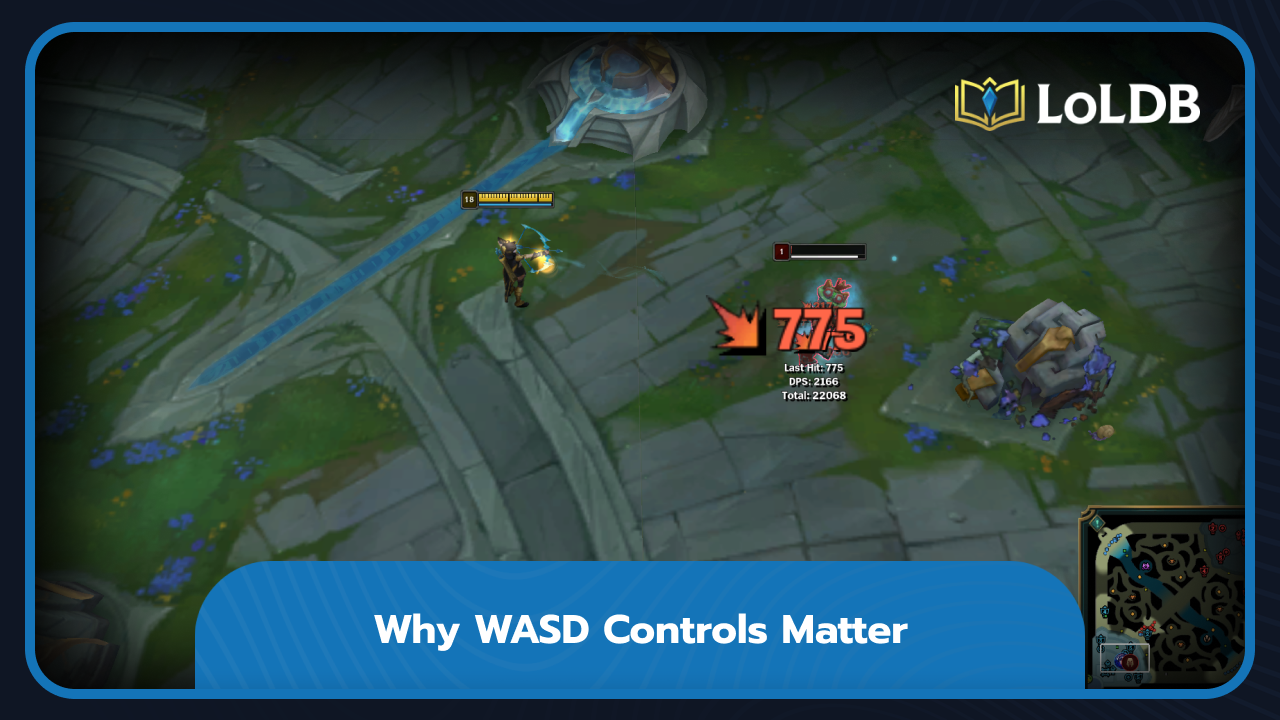
WASD movement changes how you play depending on your champion. For melee champions, it's not great. They rely on precise mouse positioning in fights, and keyboard movement makes that feel clunky.
For ADC players, it's more useful. Kiting becomes easier since your mouse handles targeting while your keyboard handles movement, which takes a lot of pressure off during fights.
Final Words
WASD controls are a solid addition to League of Legends, especially if click-to-move never felt natural to you. It's built in, takes a minute to set up, and works particularly well for ADC players. Just remember you can't change your settings after the 10-minute mark, so get everything sorted before your match starts.
Want to explore more? LoLDB has everything League of Legends. Browse champions, skins, mythic shop rotation, current sales, and much more!
All League of Legends Halloween Skins (2026)
Halloween is one of the most anticipated times of the year in League of Legends. Riot Games has built a reputation for creating spine-chilling and creative skins,...
When is the Next Your Shop in League of Legends? (2026)
Your Shop is a periodic sale event in League of Legends that offers up to six discounted skins specifically tailored to your account. The system analyzes your...